LinkedIn content engine
Daily ideas, weekly themes, and repeatable post formats.
Session 5
Turn learning into visibility. Turn visibility into opportunities.
Session Goal
Today is about turning normal student work into public proof of skill.
Daily ideas, weekly themes, and repeatable post formats.
Build targeted visibility through comments, connections, and messages.
Track people, posts, interactions, and follow-up opportunities.
Turn research and insights into useful mini products.
Convert projects, events, and demos into short videos.
Module 1
Most students complete useful work. Almost none document it publicly.
How many of these have you done recently: assignment, project, research paper, certification, book, webinar, internship, club activity, or news reading?
Navigating a new country, cultural crossovers, and daily student life gives you stories and insights other people genuinely want to understand.
The first 20 pieces of content are practice. Publish, learn from the response, and improve instead of waiting to feel ready.
Module 2
People care more about what you learned than what you completed.
Assignment, research paper, certification, internship, book, or project.
Share a useful lesson, a changed perspective, or a specific problem you solved.
Screenshot, demo link, chart, before/after, result, or short reflection.
Use a few relevant hashtags tied to the topic, tool, industry, or student audience.
Write about current discussions in AI, careers, international student life, tools, and your target industry.
Modules 3 + 5-7
Projects should have a public life. Books, papers, and news should become original insight.
Student Application Tracker Project → Claude → LinkedIn post. Structure: what I built, why I built it, what I learned, what I'd improve, and proof.
Book → top learnings → LinkedIn post. Research paper → NotebookLM → summary → insights → LinkedIn post.
Ask what happened, why it matters, what it means for students, and what your perspective is.
Module 4
One assignment should create multiple assets.
Example topic: AI in Healthcare.
Module 10
Don't just share findings. Build something from them.
Dashboard, calculator, recommendation tool, analyzer, or quiz.
A real example of turning a build into public proof through a LinkedIn post.
Module 11
Showing builds trust faster than telling.
Record quick screen walkthroughs for projects, dashboards, assignments, and product demos.
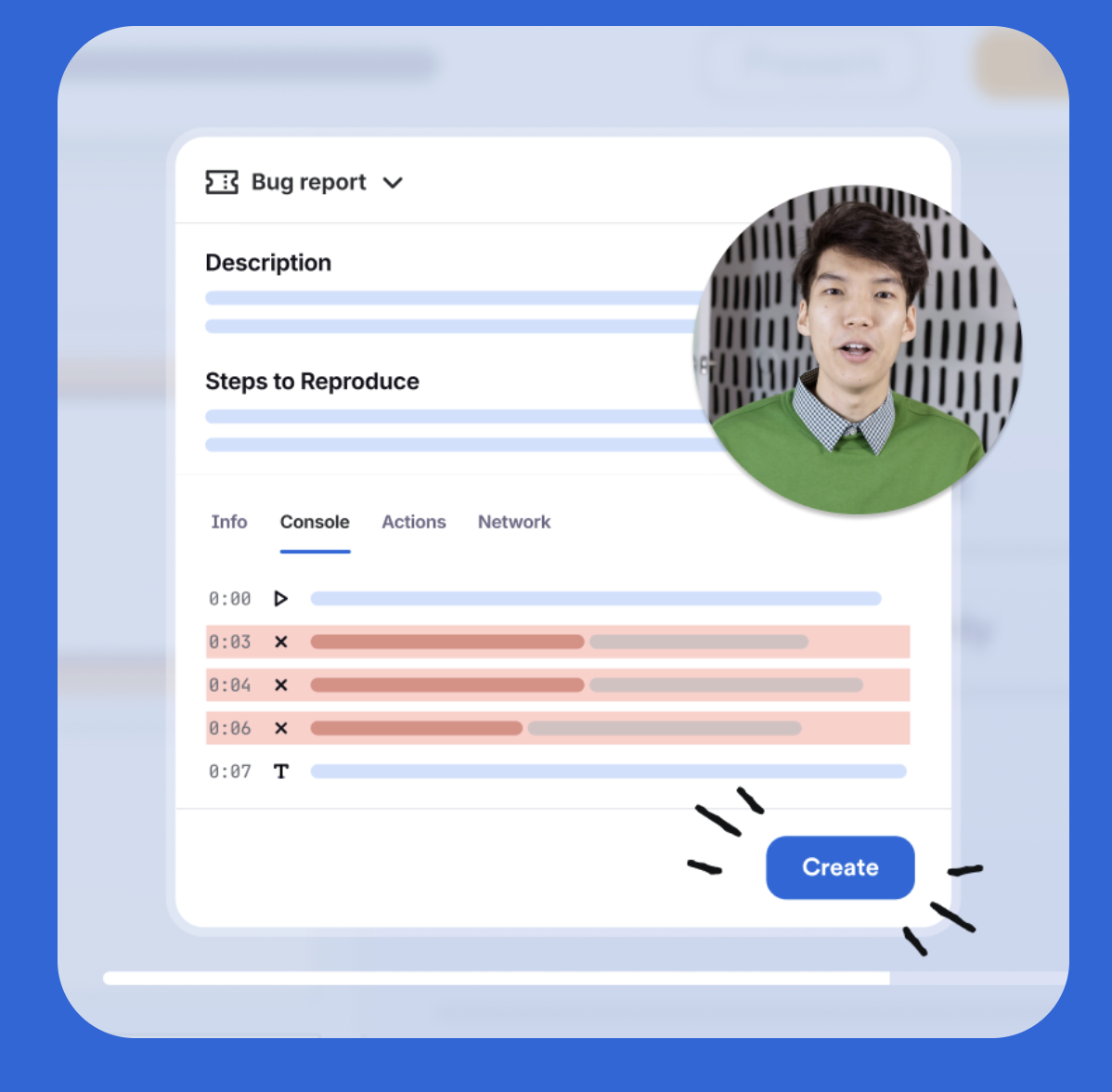
Research paper, dashboard, assignment, product demo, or campus project.
Module 9
Don't ask AI to write. Teach AI how you write.
Emails, assignments, LinkedIn posts, reports, or past reflections.
Tone, structure, vocabulary, rhythm, phrases, patterns, and things to avoid.
My LinkedIn Writing Skill, My Academic Writing Skill, and My Professional Writing Skill.
Module 12
Comments create visibility.
LinkedIn post screenshot → Claude → thoughtful comments based on your background and projects.
5 meaningful comments/dayModules 13-15
Research the right people, send personalized connection requests, and build a system for finding new posts worth commenting on.
Start with target companies like Deloitte, EY, KPMG, and Accenture. Use Claude to identify recruiters, hiring managers, analysts, and alumni.
Analyze each profile for career journey, interests, common ground, and topics of interest before sending the note.
Maintain a relationship tracker with name, company, role, LinkedIn URL, last interaction, latest post, and whether you commented.
Module 16
Turn your insights into longer-form professional writing that can also become a blog post or portfolio page.
LinkedIn question → Claude uses projects, certifications, experience, and writing style → personalized answer.
Expand the answer into a professional blog or portfolio page that explains your insight, evidence, examples, and personal perspective.
Store your memory in Mem.ai and give it as content to AI, so your articles come from your own notes, projects, meetings, and insights.
GitHub Skills Repo
An open-source skills repo for Claude Code and Codex that helps with LinkedIn growth workflows while keeping the human in approval control.
Post Writer creates LinkedIn-ready drafts with hook formulas, structure, and voice-aware writing.
Comment Drafter and Reply Handler help write thoughtful comments and replies from LinkedIn post or comment context.
Post Audit checks drafts for algorithm issues and AI tells. Humanizer removes common AI fingerprints from the writing.
Hook Extractor studies viral posts and turns their opening pattern into a reusable template for your own topic.
Content Planner creates a 7-day content plan with topics, formats, hooks, posting times, and comment targets.
Profile Optimizer improves your LinkedIn profile, while Engagement Monitor tracks replies, commenters, and follow-up opportunities.
Module 17
AI can help you become more active and visible on campus.
Photo → Grok Imagine or Google AI Studio → short video.
Club event → Supermeme.ai → AI meme ideas.
Use Claude Design to create announcements, recaps, posters, and engagement posts.
Promote teams, projects, demos, and results.
Make college events easier to share and remember.
Final Framework
Final Outcome
The most successful students learn, document, share, network, and create opportunities. AI can accelerate every step.
LinkedIn post workflow, carousel workflow, infographic workflow, and video workflow.
Content engine, writing clone, and LinkedIn Articles workflow.
Commenting workflow, connection workflow, outreach workflow, and relationship tracker.
Product-to-content workflow, club promotion workflow, and AI video workflow.
Your learning has more value when other people can see it.
Choose one project, assignment, article, or idea and turn it into public proof.